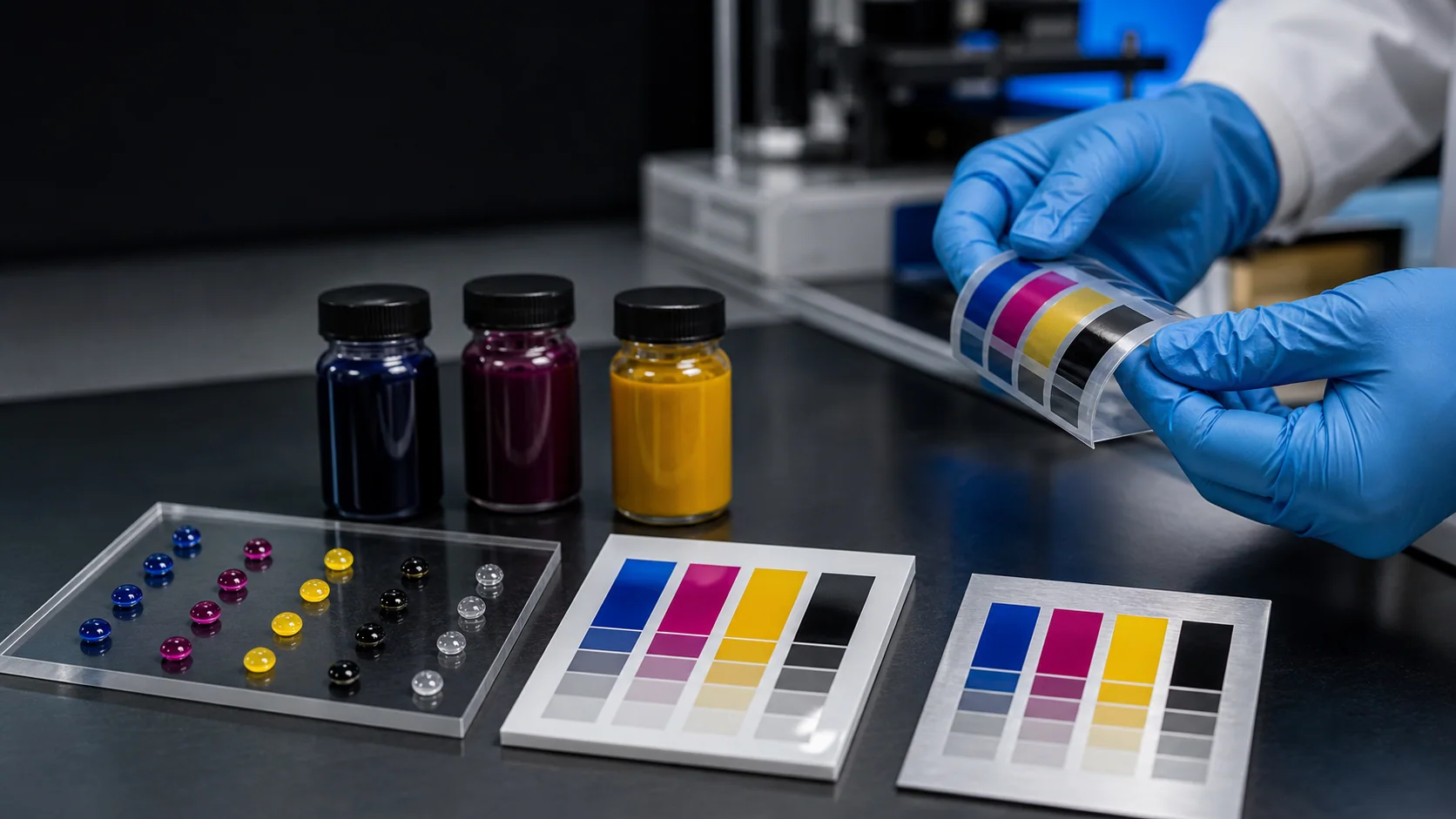
UV ink is the soul of UV printing. The printhead only determines whether it can print — the ink determines whether the result looks good, stays put, and lasts. Industry veterans often say: “Pick the right ink and half your problems are solved; pick the wrong ink and problems come every other day.”
This article builds a complete UV ink knowledge system from four angles: ink types, curing chemistry, material matching, and common problem troubleshooting.
1. How Does UV Ink Cure?
The biggest difference between UV ink and conventional solvent ink lies in how it cures.
Traditional solvent ink dries by solvent evaporation — the liquid turns into gas that disperses into the air, leaving pigment on the material surface. This process takes time, and the solvent emissions (VOC) are harmful to humans.
UV ink cures via a chemical reaction — photoinitiators absorb UV energy and generate free radicals, which trigger instant polymerization and cross-linking of monomers and oligomers, turning from liquid to solid in under a second. This reaction is called photopolymerization.
This mechanism determines several core characteristics of UV printing:
- Print-and-cure ready: Curing is instantaneous; the print can be handled immediately
- Nearly zero VOC: No solvent evaporation, environmentally safe
- Does not rely on material absorption: Ink does not “soak in” — it “grows on” the surface
- Ink layer has thickness: UV ink forms a three-dimensional solid layer with measurable thickness
- Adhesion is critical: The bond between ink and material is physical/chemical, not penetration-based
2. Deep Dive into Three UV Ink Types
All UV inks share the same basic ingredients — photoinitiators, monomers, oligomers, pigments, and additives. The difference lies in the type and ratio of oligomers, which determines the physical properties after curing.
Hard Ink
Formula characteristics: High proportion of multifunctional monomers/oligomers, high cross-link density, forming a rigid three-dimensional network after curing.
Performance:
- Surface hardness: High, similar to acrylic sheet
- Gloss: High, smooth surface
- Scratch resistance: Excellent
- Flexibility: Poor — cracks when bent
- Adhesion: Good on rigid materials, poor on flexible materials
Suitable materials:
| Material | Adhesion Performance | Pretreatment Required |
|---|---|---|
| Metal (aluminum, stainless steel) | Excellent | Degrease and clean |
| Glass | Excellent | Adhesion promoter recommended |
| Acrylic | Excellent | Not needed |
| Rigid plastic (ABS, PC) | Good | Not needed |
| Ceramic tile | Excellent | Clean surface |
| Wood | Good | Sanding recommended |
Typical applications: Signs, nameplates, control panels, decorative art prints, medals.
Soft Ink
Formula characteristics: High proportion of monofunctional monomers and flexible oligomers, low cross-link density, forming a pliable linear structure after curing.
Performance:
- Surface hardness: Low, elastic
- Gloss: Matte or semi-matte
- Scratch resistance: Moderate — protective coating recommended
- Flexibility: Excellent — can be bent and stretched
- Adhesion: Good on flexible materials
Suitable materials:
| Material | Adhesion Performance | Pretreatment Required |
|---|---|---|
| Leather (genuine, PU) | Good | Clean and degrease |
| TPU / Silicone | Good | Special treatment required |
| Textiles | Good | Not needed |
| Soft PVC sheet | Good | Clean |
| Rubber | Moderate | Special primer required |
Typical applications: Phone cases, leather customization, footwear materials, bags, flexible signage.
Neutral Ink
Formula characteristics: Balanced ratio of multifunctional and monofunctional monomers, moderate cross-link density.
Performance: Falls between hard and soft ink. Covers the widest range of materials for adhesion, but no single metric outperforms the specialized inks.
Suitable materials: Most common printable materials, though adhesion on specific substrates may not match dedicated formulations.
Typical applications: General-purpose printing, small workshops handling diverse material types.
3. Where Does UV Ink Adhesion Come From?
Adhesion is the most common and most difficult challenge in UV printing. Understanding the principles helps with troubleshooting.
UV ink adhesion to material surfaces comes from three mechanisms:
1. Mechanical Interlocking
Ink flows into microscopic surface irregularities before curing, forming a physical lock when solidified. This is why smooth surfaces (glass, metal) require sanding or plasma treatment — to increase micro-roughness.
2. Van der Waals Forces
Weak intermolecular interactions between ink molecules and material molecules. A clean surface maximizes these forces — grease and dust block direct contact between ink and material.
3. Chemical Bonding
Certain materials can form chemical covalent bonds with UV ink. For example, ester groups in acrylic can react with acrylate groups in UV ink. This is why UV ink generally exhibits good adhesion on acrylic.
Adhesion Test Methods
The simplest test: Apply 3M 600-grade tape to the printed area, press firmly, then peel off quickly. If no ink comes off, adhesion passes. More rigorous tests include the cross-hatch test and immersion testing.
4. Common Problems and Solutions
Ink does not adhere / flakes off easily
Possible causes:
- Mold release agent or grease on the material surface (most common)
- Insufficient curing (UV lamp power too low or speed too high)
- Ink type and material mismatch (hard ink on flexible substrate)
Solutions:
- Thoroughly clean the material surface with alcohol or a dedicated cleaner
- Check UV lamp power to ensure sufficient curing energy
- Use an adhesion promoter (primer) when necessary
Ink remains tacky after curing
Possible causes:
- Insufficient UV lamp energy, incomplete curing
- Ink layer too thick — UV light did not penetrate to the bottom
- Ink quality issue
Solutions:
- Reduce print speed or increase UV lamp power
- Reduce ink volume (lower the pass limit)
- Check ink expiration date
Ink cracking after printing
Possible causes:
- Hard ink used on a flexible substrate
- Ink layer too thick
- Over-curing (ink becomes brittle)
Solutions:
- Switch to soft ink
- Reduce the number of passes
- Check UV lamp energy — do not over-cure
White ink not white enough
Possible causes:
- Uneven white ink circulation, pigment settling
- Insufficient white ink layers
- Low titanium dioxide content in the ink
Solutions:
- Ensure the white ink circulation system is working properly
- Increase the number of white ink layers
- Choose high-concentration white ink
5. YOWILL Ink Configuration Strategy
YOWILL uses different ink configurations across its machine models, tailored to different application scenarios:
| Model | Ink Configuration | Suitable Applications |
|---|---|---|
| A4UV / 3360UV | CMYK + WW | General color + light/dark materials |
| 6040UV / 6090UV | CMYK + WW + Varnish | Commercial color + white + varnish |
| 2513UV / 1613UV | CMYK + WW + Varnish | Industrial color + white + varnish |
Core ink configuration recommendation: If the budget allows, always choose a version with white ink. White ink is not just for printing on dark materials — it can serve as an underbase (boosting color vibrancy), as a mask (creating opaque areas on transparent materials), and these capabilities will be used frequently in real-world production.
Related Guides
- White Ink Printing Guide: Underbase, Opacity and Surface Effects — White ink and varnish process details
- How to Choose a UV Printhead — Printhead and ink pairing
Frequently Asked Questions
What is the difference between UV ink and solvent ink?
UV ink cures by instantaneous photopolymerization under UV light (under one second), with near-zero VOC and a chemical/physical bond to the substrate instead of penetration. Solvent ink cures by solvent evaporation, which takes time and releases VOCs that are harmful to people. Instant cure, strong adhesion and substrate-independence are UV ink's core advantages.
How do I choose between hard ink and soft ink?
Hard ink fits rigid materials (acrylic, metal, glass, ceramic) — strong adhesion but cracks on bending. Soft ink fits flexible materials (leather, TPU, soft PVC) — bends without cracking but is soft and scratch-prone. Neutral ink is the middle ground. Pick by the material's bend requirement; do not mix ink types arbitrarily.
What if UV ink adhesion is poor?
Three common causes: ink-subtype mismatch, low substrate surface energy, insufficient curing. Fix by switching to the matching ink subtype, applying corona or primer treatment to the substrate, and checking UV lamp intensity and cure speed. The most reliable diagnosis is a real-material sample test, not the product datasheet.
How long is the shelf life of UV ink?
Unopened UV ink typically lasts 6-12 months; after opening, use within 3-6 months. Store away from light, between 15-28°C, avoiding both high heat and freezing. Ink that has been opened over half a year — even without visible settling — should be tested before bulk use.
Are white ink and varnish required?
White ink is for dark substrates and transparent substrate backing; it is one of the essential functions of UV printing. Varnish is for spot emboss effects and surface protection; it differentiates high-end markets and brand-customization work. Both require dedicated ink channels and a more complex printhead configuration; they are not standard.
5-step UV ink selection workflow
- Identify the substrate type, thickness, surface energy and bend requirement
- Distinguish the fit range of hard, soft or neutral ink
- Run adhesion tests on real substrates (including bend and tape tests)
- Confirm white-ink circulation, varnish and color-mixing ink channel needs
- Trial a small batch for 3-6 months before scaling bulk purchase