UDTF-320UV DTF Printer
Print your ideas as UV DTF decals.
Personalize drinkware, gift boxes and everyday products.
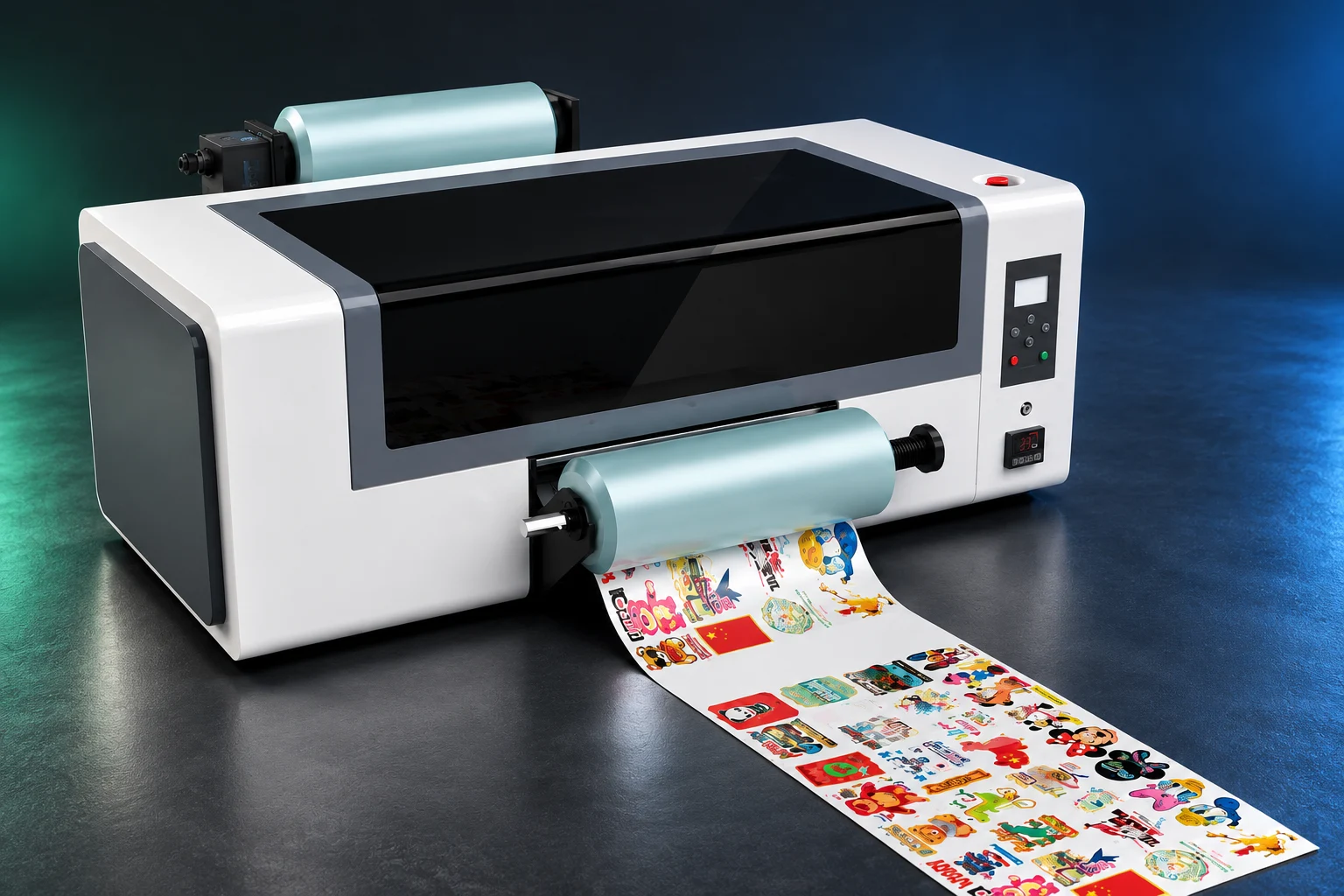
Print on film.
Transfer to your product.
Create the artwork on film, then transfer it to the product surface for detailed graphics and a glossy, dimensional finish.
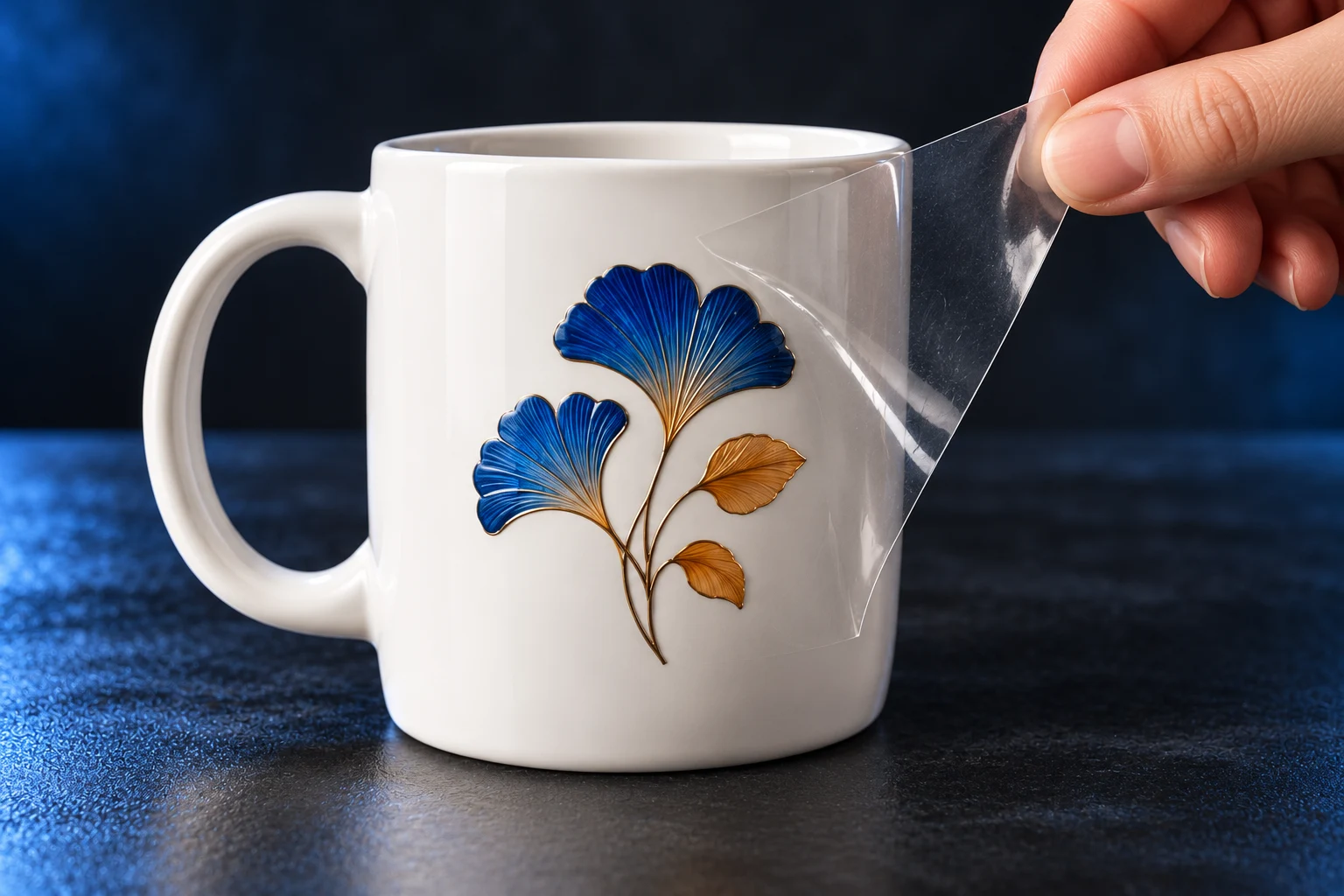
- 01Print on film
Produce the decal on AB film
- 02Position & apply
Apply to a prepared surface
- 03Peel & inspect
Remove carrier as specified; inspect
Concept illustration, not a sample printed on this machine. Color, gloss, relief and application steps depend on film, ink paths and testing. Amber is a decorative color, not metallic ink or foil.
Small decals.
Flexible layouts.
A 320 mm print width for mug decals, bottle labels and gift graphics, arranged to suit each order.
Different designs, one layout.
For varied SKUs and small batches.
Layout illustration, not a fixed output quantity. Nesting and margins depend on decal size, film and RIP settings.
From drinkware to gift boxes.
Make it your own.
Transfer decals for ceramic, glass, metal, wood, leather and paper boxes—across gifts, packaging and creative products.
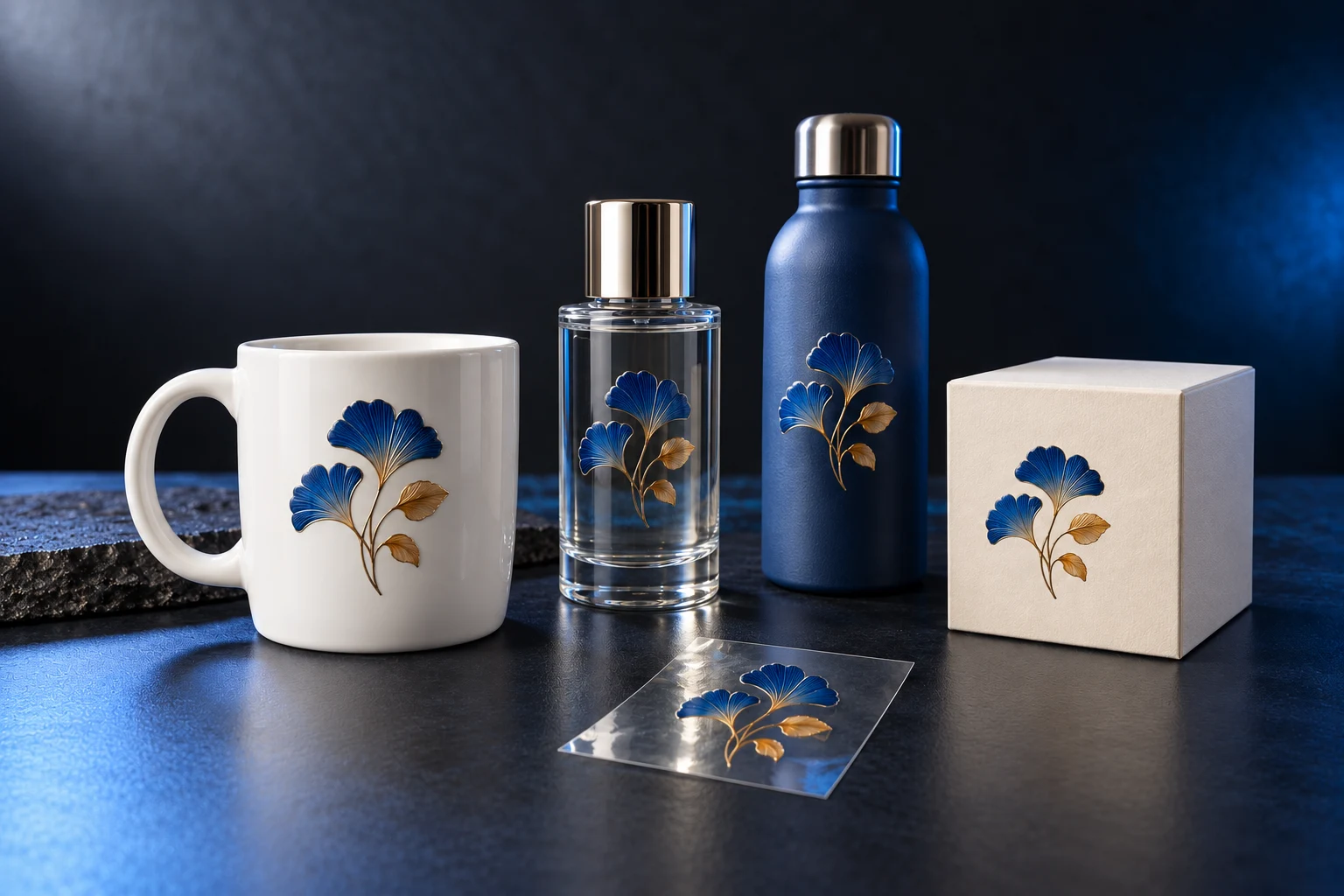
Concept samples. Adhesion depends on material, coating, texture and preparation. Test curvature, cleaning and intended use on the actual product.
Choose the head setup
for your orders.
Choose from 2, 3 or 4 printheads based on target finish, order mix and budget. Verify throughput with the selected setup.
Head count and head type are separate choices. Confirm supported combinations, ink paths and glue workflow in the quotation. Diagram shows counts only, not internal construction or ink assignments.
Desktop or floor.
Plan for your space.
Two machine formats to suit your studio, shop or production area.
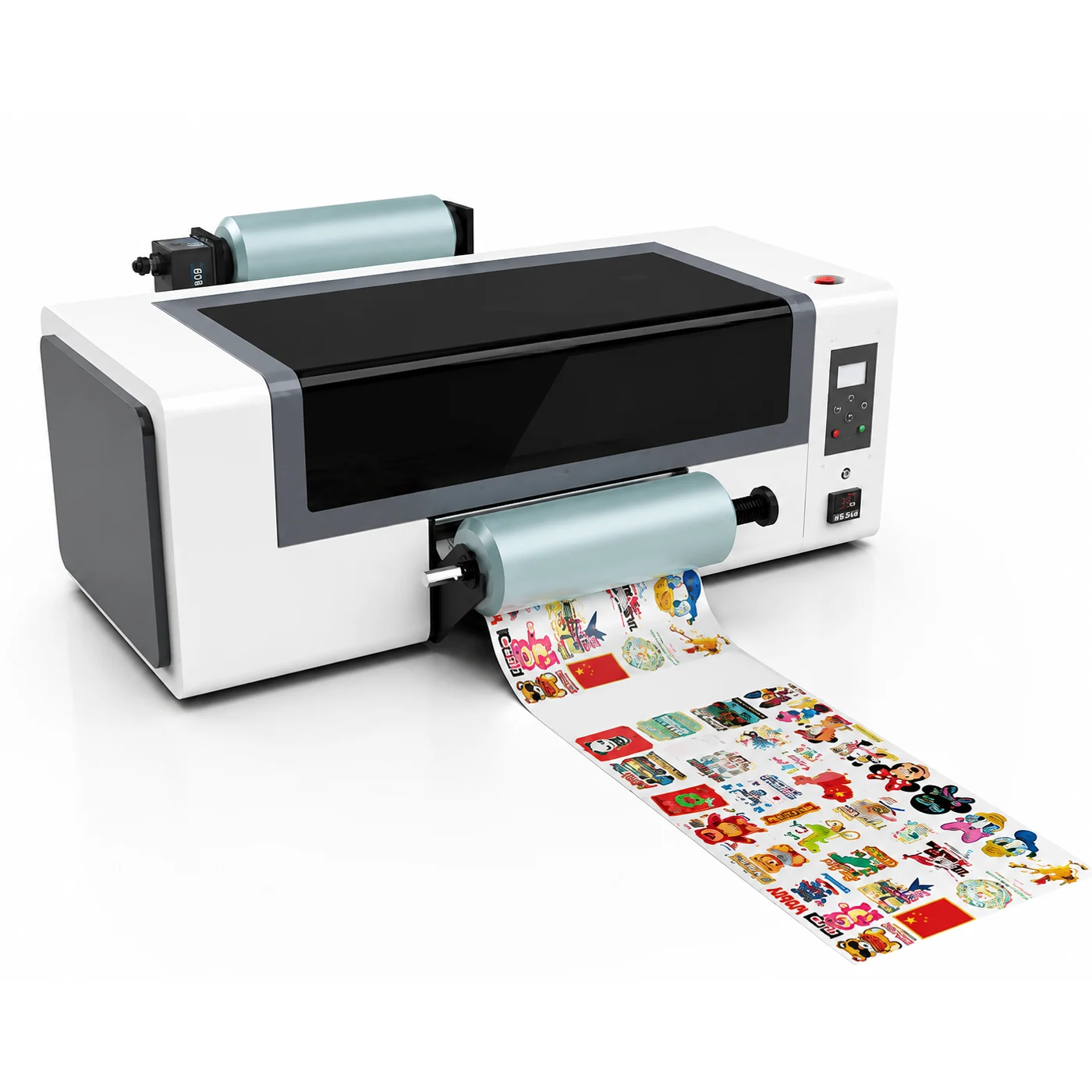
Desktop
1161 × 720 × 422 mm
Desktop model shown aboveFloor model
1161 × 796 × 966 mm
Dimensions per datasheet; confirm final exteriorDimensions describe the machine, not installation clearance. Allow space for film handling, operation and service. Anti-collision device, take-up system and THK guide rail are optional.
Key specifications.
Choose with clarity.
Based on the current Chinese and English UDTF-320 Pro datasheets.
- Model
- YOWILL UDTF-320 Pro
- Print width
- 320 mm
- Head count
- 2 / 3 / 4 heads optional
- Head type
- Epson F1080 / TX800
- Maximum resolution
- Up to 720 × 2880 dpi
- Ink / process
- CMYK + White + Varnish + Glue
- Media
- UV DTF AB film
- File formats
- TIFF / JPG / JPEG / EPS / PDF / PNG
- Interface
- USB 2.0 / 3.0
- RIP software
- Maintop / Riprint / Photoprint
- Power
- AC100–240V / 1.2kW
- Operating environment
- 20–30°C / 60–70% RH
- Desktop dimensions
- 1161 × 720 × 422 mm
- Floor dimensions
- 1161 × 796 × 966 mm
Resolution is the datasheet maximum, not a claim for every mode. Confirm included software, printheads, glue workflow and optional accessories in the final specification.
Before you choose.
Your questions, answered.
Understand the transfer process, head options and material suitability.
Does it print directly on the product?
No. The UDTF-320 Pro prints designs on UV DTF AB film for transfer to the product. Follow the film preparation, lamination and application instructions for the selected consumables and machine setup.
How should I choose 2, 3 or 4 printheads?
The datasheets list 2/3/4-head options and Epson F1080/TX800 types. This does not establish that every combination is available. Confirm the setup against your finish, orders and budget.
Are white ink, varnish and glue included as standard?
The current datasheets list CMYK, white, varnish and glue but do not specify the ink-channel allocation and delivered scope for each head setup. Confirm inks and glue workflow in the selected configuration and quotation.
Can the decals be applied to every material?
The datasheets list ceramic, glass, metal, wood, leather and paper boxes as application directions. Adhesion depends on coatings, texture and surface condition. Test the intended product; compatibility is not universal.
What should I provide for a quote or sample?
Provide the product material and surface photos, decal dimensions, artwork, target finish, expected order volume and available space to assess heads, inks, film and machine format.
Your product.
Your next custom design.
Share the material, artwork and decal size.
Find the UV DTF setup for your application.